Effective communication: chat
I would like to share a few tips and best practices around communication with chat in a professional context. By chat, I mean any software that your company is using to engage with other colleagues in a written asynchronous form. Popular tools are Slack, Microsoft Teams, or maybe even the actual product your company is selling as it happened to me when I was working at Symphony.
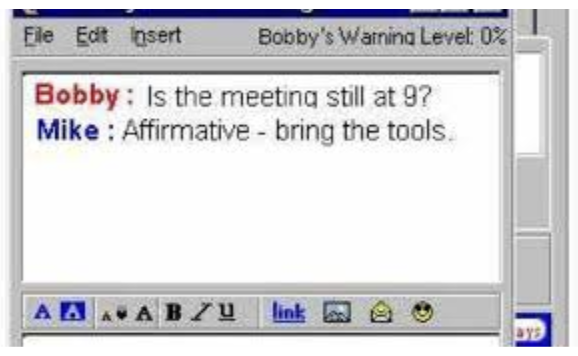
AOL Messenger, the first chat I used! Well not for work…
It has been a few years that, as a software engineer, chat has replaced emails for most of my day-to-day communication. Email is now mostly used for notifications or communication outside the company. Because it is fast, immediate, it can easily be over-used, misused and abused. Without further ado, a few tips to chat effectively with your coworkers.

Go read nohello.net! Being polite is great, but just say hi, ask ‘how are you’ and state your question/request/ask right away. You don’t want to be hanging around waiting for the other person to reply and start a long back and forth.

Generally, be straight to the point while staying courteous. And provide context. There is nothing more stressful than receiving a message from your manager like: ‘are you available to talk?’ Talk, sure, about what? What’s the urgency? Should I stop what I’m doing? Can I reply later?
Putting yourself in someone else’s shoes helps to figure out what context to provide. When asking a question, explain how you came up with it, and how getting an answer will help you. This way the person on the other end can figure out why you are asking, and avoid having to guess the full story.
Chat is an asynchronous tool, meaning you should not expect an immediate answer. Except maybe if you are dealing with alerts that you should require your immediate attention, which, in this case is more a matter of configuring your tool to pop a notification that you would not miss.

Direct mentions (@someone) should be used with consideration. They have no use in a 1-1 conversation and in an ongoing conversation. They can be useful when posting a message in a shared room with many participants where you know a few of them are likely to provide an answer. To me, it helps make the difference between who is informed and who is expected to take action.

Conversely, @all mentions to force a notification to everyone should be seldom used. Group communication probably deserves their dedicated (read-only) channels.
Avoid 1-1 conversations. They are not shared with the rest of the team, not searchable by others, this is just lost information. Of course, private conversations, off-work/relaxed chatter should stay private but most of the exchanges you can have in a professional context probably have value for others. Nowadays, think of all the information generated in chats that can be leveraged by LLMs. It is unlikely that you want those tools to access your private conversations, so anything valuable should be public.
Psychological safety, transparency, and open communication should allow you to write down in shared chats. It is also the best way to unblock you in case multiple people know the answer and can help.
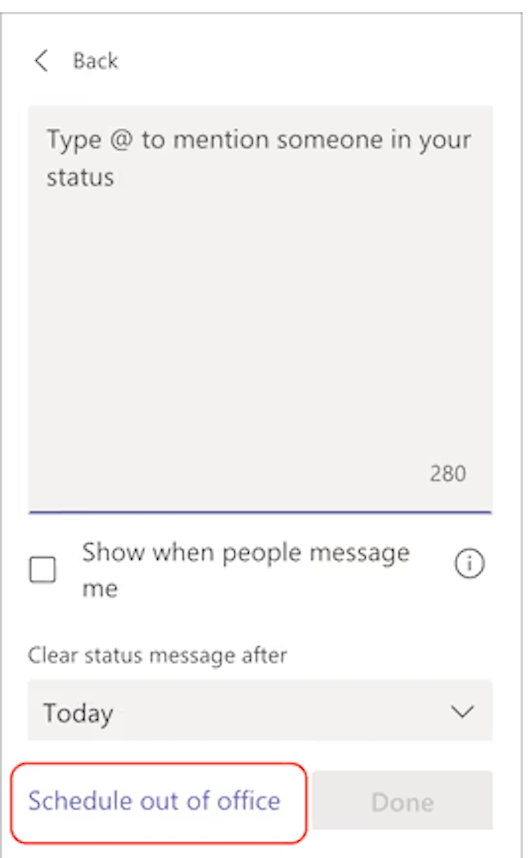
Update your status when you go on vacation. Tools usually support setting a particular status until a set date.
And finally a few personal preferences that may or may not suit your work style. I turn off notifications unless I am mentioned explicitly. This way, I stay in control of my disruptions and actively choose to check my messages. I also don’t install my work chat application on my personal phone so I’m not tempted to check messages outside of working hours.
Keep in mind that I’m sharing here my preferences and that your mileage may vary. Different people, different communication styles. However, I truly hope some of the items are transposable to you, so we can work better together 🤓!